 Jupiterswap
 starts with a reviewed quote and ends after its Solana status and balance changes are verified
Jupiterswap is Jupiter's token-swap flow on Solana. Treat preparation through confirmation as one swap attempt. Prepare the wallet and exact token identities, inspect one quote, approve only a matching transaction and verify both its network status and balance changes. If the quote changes, execution fails or settlement remains unclear, stop before requesting another signature. A clean first session ends with either one reconciled result or no further action, not a chain of uncertain retries.
Prepare the account, token identities and spending limit
Preparation ties the funding account to exact asset identities and a defined input amount. Each detail should remain consistent from selection through the wallet request.
Match the wallet and network
Use the Solana account intended to fund the action and receive its output. Confirm the connected public key before requesting a quote, especially if the wallet manages several accounts. The account needs the selected input balance and enough native balance for applicable network charges unless the prepared transaction explicitly identifies another fee payer.
Identify tokens by mint
A symbol or token name can be copied by unrelated assets. Match the input and output by mint address, then confirm that the displayed decimals produce the quantity you intended. Stop if the wallet or transaction preview shows a different mint. Correct spelling alone does not establish token identity on Solana.
Choose the spending boundary
Set one input amount that leaves unrelated balances outside the transaction. For an exact-input swap, separate the quoted output from the minimum acceptable output. The first is an estimate under the quoted conditions; the second is the execution floor created by the slippage setting. Changing the amount or that setting creates new terms that need another review.
What belongs in the first approval decision?
The first approval decision includes the account, network, asset mints, input amount and output limits shown for that specific transaction. Preserve these seven values long enough to compare them with the wallet request and completed record.
| Parameter | Value or record to keep |
|---|---|
| Funding account | The public key selected for this swap |
| Network | Solana |
| Input token | The exact mint address being spent |
| Output token | The exact mint address being received |
| Input amount | The quantity authorized to leave the input account |
| Quoted output | The estimated return shown with the quote |
| Execution floor | The minimum output accepted under the selected limit |
| Proceed only while all seven entries still describe the same proposed swap. | |
Most values in the table are session-specific rather than permanent protocol settings. A refreshed quote can change the estimated output or execution floor even when the asset pair remains unchanged. Keep the record locally until settlement is reconciled. Publishing it can unnecessarily connect a public wallet address with other details about the session.
Stop before approval when the records diverge
Compare the wallet request with the quote before authorizing it. Reject it if the account, mints, amount or expected action differs from the quote you chose. Some wallet previews decode more detail than others, but an incomplete display is not a reason to infer that hidden instructions are harmless. A token swap requires transaction authorization, never disclosure of a recovery phrase or private key.
A quote refresh resets the comparison. Review the replacement as a new proposal rather than relying on the previous screen. Repeated prompts also need separate attention. If an earlier transaction might have been submitted, determine its status before approving another request that could perform the same exchange twice.
How do you prove the first swap is finished?
A completed swap has a successful on-chain status and account changes that match the authorized terms. A wallet notification or signature by itself supplies only part of that evidence.
Read the transaction status
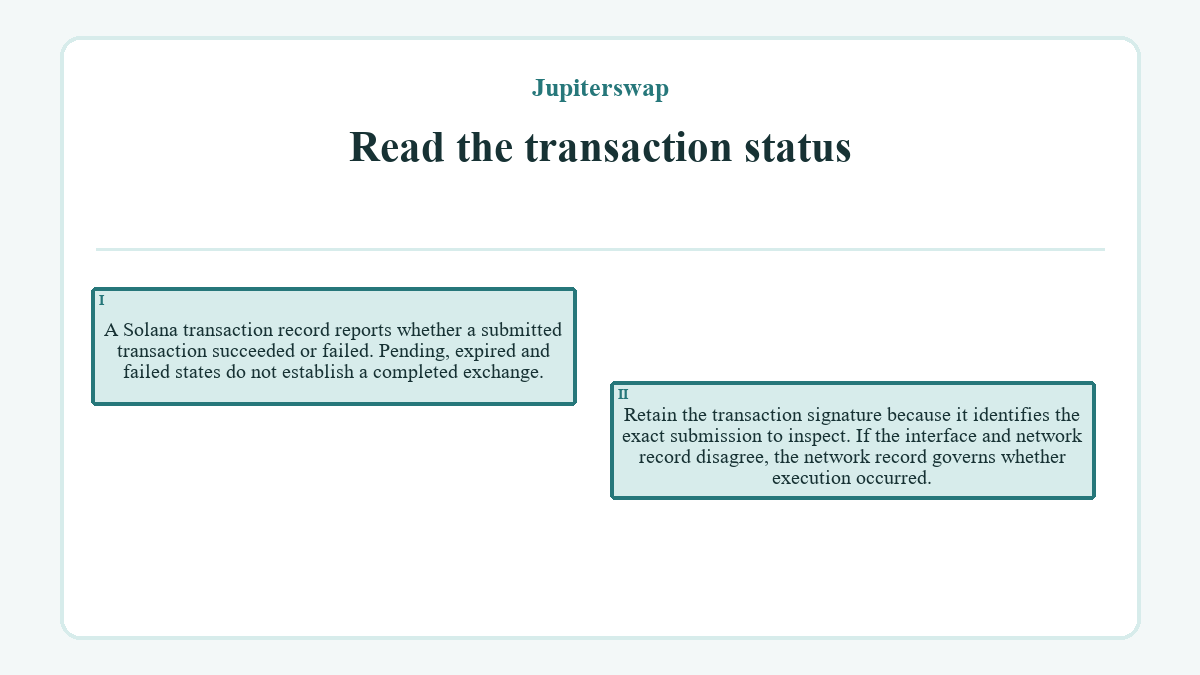
A Solana transaction record reports whether a submitted transaction succeeded or failed. Pending, expired and failed states do not establish a completed exchange. Retain the transaction signature because it identifies the exact submission to inspect. If the interface and network record disagree, the network record governs whether execution occurred.
Match the account changes
Compare the recorded input and output with the account state that existed before approval. The input movement should belong to the selected asset and the received balance should belong to the intended output mint. Allow separately for recorded network costs rather than treating every balance difference as swap output. A delayed wallet display may require a refresh, but it does not justify a duplicate transaction.
Contain an error before trying again
Recovery starts by separating a proposal that never left the wallet from a transaction that reached the network. The smallest safe next action depends on that distinction.
A normal path to one result
Keep the starting account record, approve one matching request and retain its transaction signature. A successful status followed by the expected input and output changes completes the action. At that point, save the identifier and stop. Another quote would begin a separate swap rather than verify the first one.
An edge condition before settlement
If the quote expires or the wallet request is rejected before submission, discard that proposal without trying to repair its old terms. An interface that stalls after signing is different because submission may already have occurred. Search for the original transaction by its signature or wallet history before deciding that nothing happened.
The smallest reversible recovery
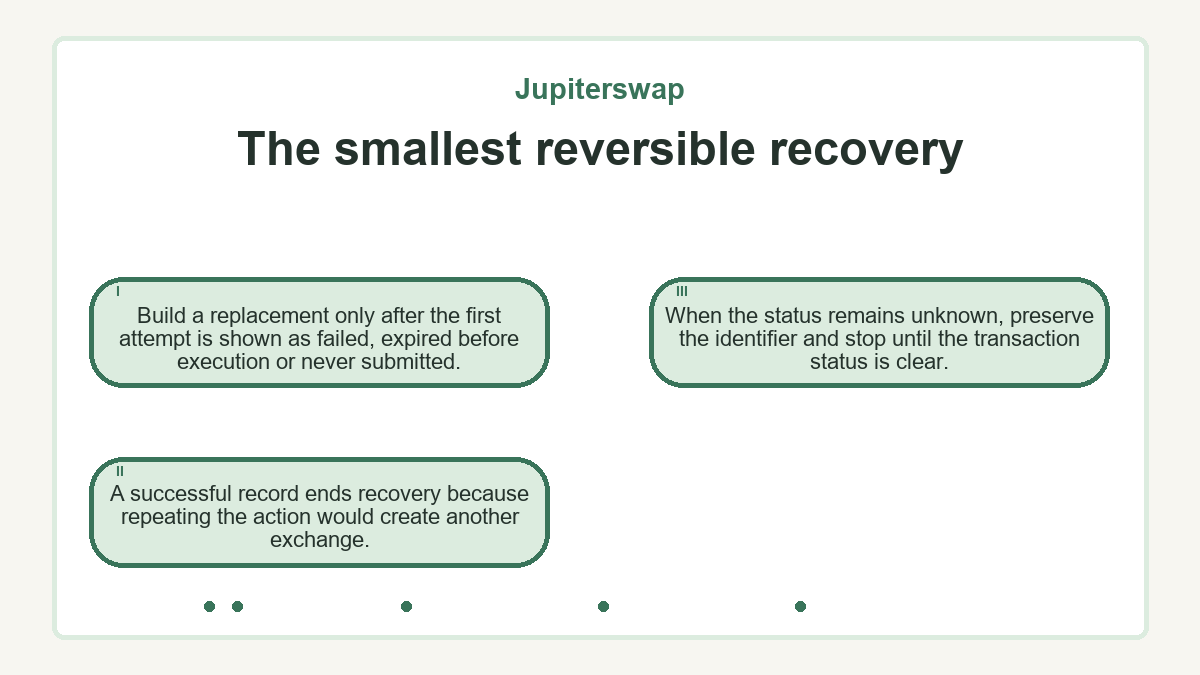
Build a replacement only after the first attempt is shown as failed, expired before execution or never submitted. A successful record ends recovery because repeating the action would create another exchange. When the status remains unknown, preserve the identifier and stop until the transaction status is clear.
Leave the session with a usable record
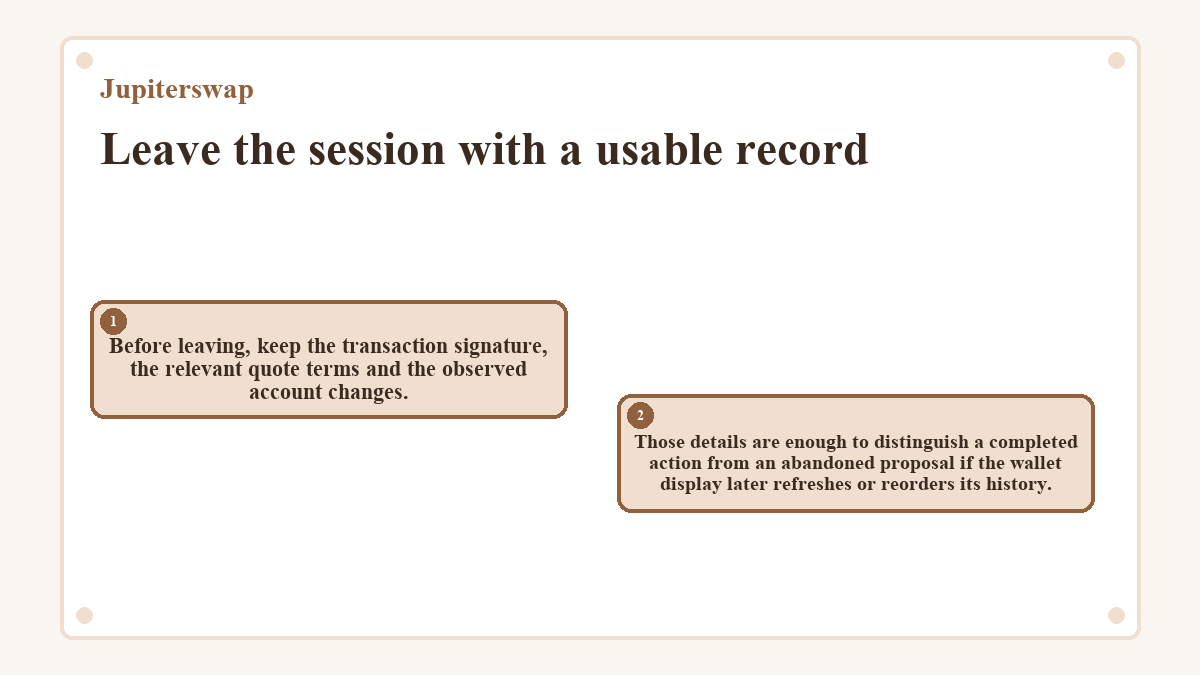
Before leaving, keep the transaction signature, the relevant quote terms and the observed account changes. Those details are enough to distinguish a completed action from an abandoned proposal if the wallet display later refreshes or reorders its history.
Disconnecting a wallet from an interface does not reverse a Solana transaction that the network has already confirmed. Disconnect only after reconciling any submitted request. Closing a tab has the same limitation because network processing is separate from the local page.
Token-account cleanup is also a separate on-chain action, not part of logging out. An output account may hold the asset just received, while an empty account may still have its own close authority and rent implications. Do not add a cleanup transaction merely to make the first session look finished.
Never include a recovery phrase or private key in the swap record. A transaction signature and public address can expose public activity, while a recovery phrase or private key controls the wallet itself. Once the result is recorded and the connection is closed, stop. Any reversal, new trade or account cleanup requires a fresh decision.
Key questions about Jupiterswap
Can the first action use my entire available balance?
Using the entire available balance can leave no capacity for network costs or token-account setup. The required reserve depends on the prepared transaction and its named fee payer, so there is no durable amount that fits every swap. When the input is also the network's native fee asset, compare the proposed input with the complete transaction cost before signing.
After confirmation, can I undo the first swap?
A confirmed swap cannot be cancelled or rolled back from the wallet interface. Exchanging the received asset back would be a new transaction with a fresh quote, new execution conditions and additional costs. First confirm that the original record succeeded and that the intended output arrived before considering any separate action.
Does disconnecting the wallet cancel a pending swap?
Disconnecting the wallet does not cancel a transaction that has already been submitted to Solana. The network can still confirm or reject it after the interface closes. Preserve the transaction signature and determine its final status before reconnecting to create a replacement, since a second submission could duplicate the intended exchange.
Could the swap create an output token account during the first action?
The prepared transaction may include creation of an associated token account when the wallet lacks one for the output mint. That setup can affect the transaction's instructions, fee payer and required balance. Review it as part of the same proposed action. Confirm an existing account by its owner and mint rather than by a displayed token name.
Can the final output differ from the amount shown in the quote?
The final output can differ from the initial estimate while still satisfying the authorized execution floor. For an exact-input swap, the quoted output describes the expected return under the quoted conditions, while the minimum output limits acceptable deterioration. If execution would fall below that limit, the swap should fail rather than settle at the lower amount.
Updated ·